How to protect your children online: Top parental control tools


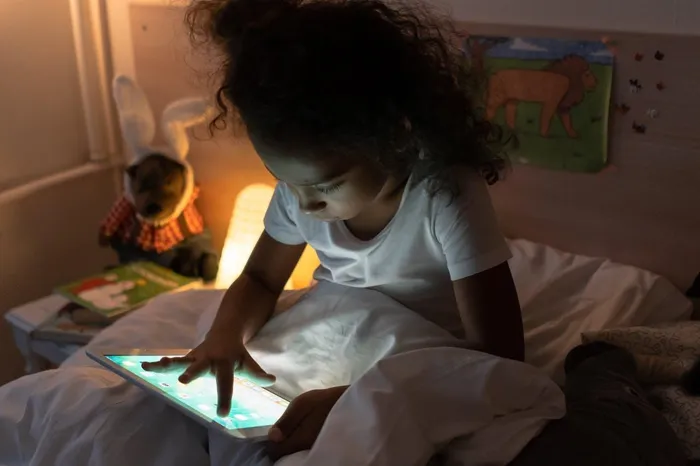
Being online exposes children to the unknown.
Image: Cottonbro studio / Pexels
In a world where even our toddlers can navigate a tablet better than we can, the digital landscape in South Africa has changed fast.
While the internet is an incredible tool for school research and staying in touch with relatives in other provinces, it has also become a somewhat wild frontier.
In fact, the global community is taking this so seriously that Australia recently made history. As of late 2025, they have enforced a landmark law that sets a minimum age of 16 for social media use.
Under this new rule, major platforms like TikTok, Instagram, and X must take active steps to keep under-16s off their sites or face massive fines.
While we do not have a law like that in South Africa yet, it is a massive wake-up call for us. It highlights a growing global consensus: the digital world, while full of opportunity, carries risks that young minds simply are not equipped to handle alone.
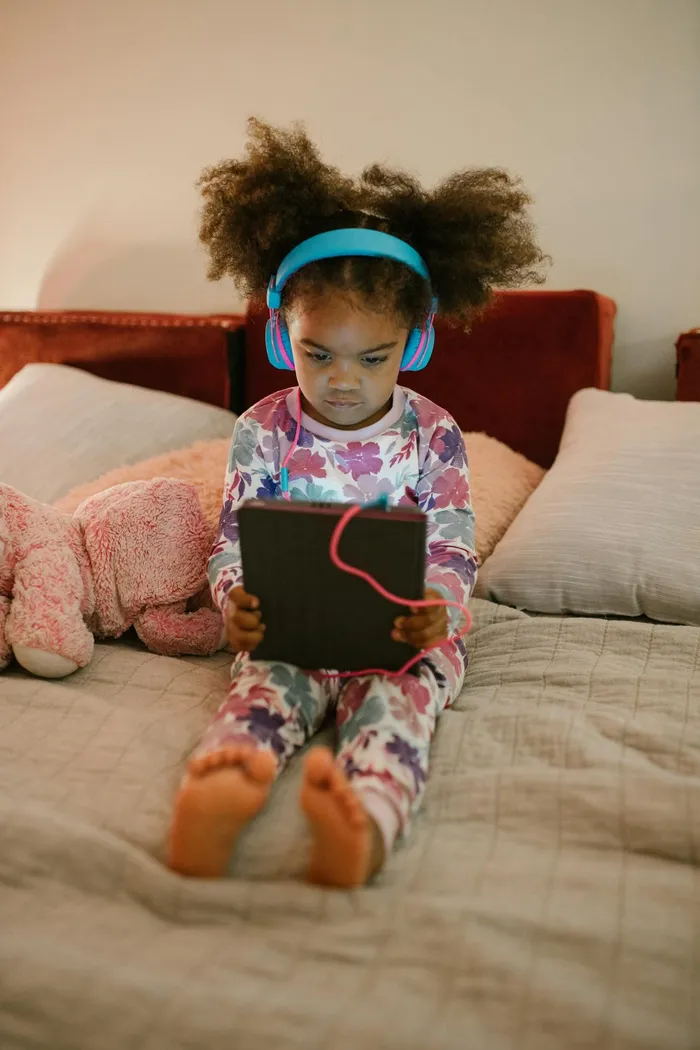
Even toddlers are able to go online.
Image: RDNE Stock project / Pexels
Why monitoring is the new digital parenting
With cyberbullying, inappropriate content, and "stranger danger" moving from the playground to the palm of their hands, keeping an eye on the digital footprints of our children is no longer about being overprotective. It is about basic safety.
Think of the internet like a busy city. You would not let your child wander through the streets of Johannesburg or Cape Town alone at night without knowing where they are going and who they are meeting.
The online world is no different. In South Africa, we face unique challenges like "sextortion" and predatory grooming.
Monitoring is not about spying. It is about providing a safety net while they learn the ropes.

Be honest with your children about monitoring tools.
Image: Kampus Production / Pexels
How to start the conversation
The best way to monitor your child is to be open about it. If you sneak around and hide tracking apps, you risk breaking the trust that would lead them to come to you if something actually goes wrong.
Start by explaining that the phone is a tool you are lending them.
Set "House Rules" for tech, such as no phones at the dinner table or keeping all chargers in the kitchen overnight.
Most importantly, tell them that if they ever see something that makes them feel uncomfortable, they can come to you without fear of getting their phone taken away.
Tools to help you sleep better
While you cannot watch over their shoulder every second, technology can help do the heavy lifting for you. Here are some of the most reliable ways to keep tabs on things.
Google Family Link
For families using Android, Google Family Link is a lifesaver. It lets you see their location on a map and even lock their device remotely when it is time for bed. You can also approve or block the apps they want to download from the Play Store.
Apple Screen Time
If you have an iPhone, use Apple Screen Time. It is built into the settings and allows you to set time limits on specific apps and block adult websites entirely. It is a great first step for families in the Apple ecosystem.
Bark
This is a favourite for many parents because it does more than just track time. It monitors content. Bark uses clever technology to scan messages and social media for red flag words related to bullying or online predators. Instead of reading every single private chat, you only get an alert if something looks suspicious.
Qustodio
If you want total control across different devices like tablets, laptops, and phones, Qustodio is excellent. It gives you a very clear report of what they are doing and allows you to block specific games or websites that are not age-appropriate.
Norton Family
This is a great option for larger families with lots of devices. It has excellent web filters that are particularly good at blocking the types of sites we do not want our kids stumbling across during school projects.

Parents are able to monitor screen time using apps.
Image: Cottonbro Studio / Pexels
The goal is independence
At the end of the day, these apps are like training wheels on a bicycle. You use them to keep your child upright and safe while they are still learning.
As they grow older and show more responsibility, you can start to loosen the digital leash.
The most powerful tool in your parenting kit will always be a strong relationship and an open door.
Keep talking, keep checking in, and do not be afraid to use a little tech to protect your most precious assets.